

In order to debug ios emulated application into the local environment which is running via the command `$cordova emulate ios` will be required use the browser Safari.
Following all steps to show how it works. ( The steps below are with Safari version 11.0 )
- Emulate locally the application via the command “$cordova emulate ios”
- Go to the path into the Safari browser “Develop >> Simulator” your application should appear there.
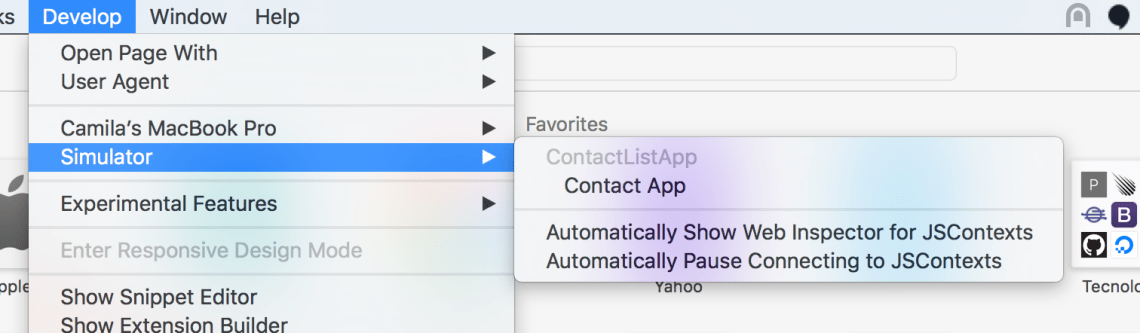
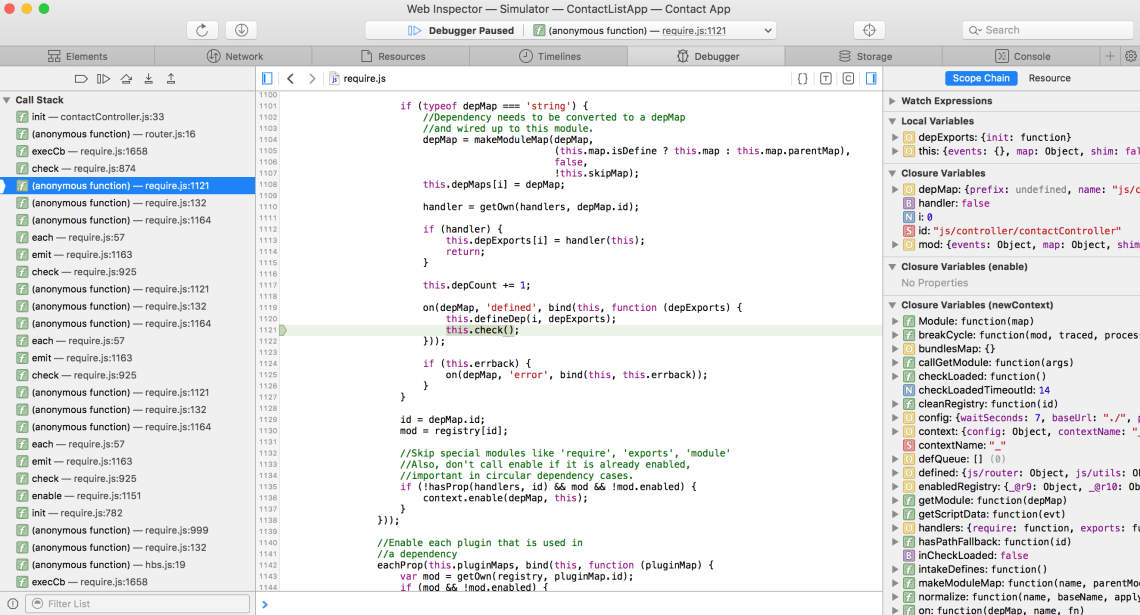
- Click on the name of your application and the following debbuger will be available to be used for you.

 www.Dev4Devs.com